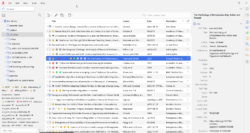
Here are some of the ways I use Zotero‘s folders and tags to help organise my notes and readings. Zotero is an excellent free open-source research tool that helps collect, organise, annotate, and cite sources. The ideas here could apply to a range of note-taking apps and reference managers.
Zotero’s Folders
My sidebar folders tend to change and evolve with my work and interests. It currently looks like this:
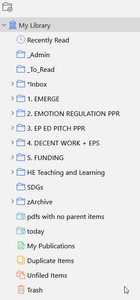
Folders 1 – 5 tend to change semi-regularly, depending on the projects, jobs or committees I’m working on.
Zotero’s Tags
Zotero makes it very easy to apply tags to specific lines within individual readings and notes. This makes it easy to drill down into readings for further analysis and synthesis. I have developed an extensive set of keywords based around the concepts I research in particular.
Here are some things I use tags for, beyond the usual keywords:

Indicate the ranking of the journal article
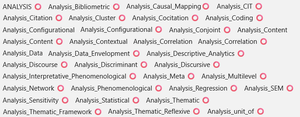
Indicate the type of data analysis
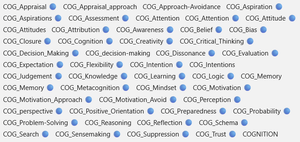
Indicate sub-types of a broader concept; in this case, cognitive processes (broadly defined)

Indicate field of research, such as economics, human-computer interaction, human resources, international business, international entrepreneurship, etc.
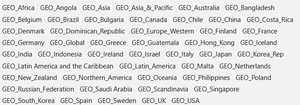
Indicate the location of any empirical work
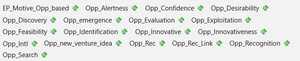
Indicate different approaches to a specific notion; in this case, entrepreneurial opportunity
My tagging system isn’t perfect but it has evolved to the point that I can easily pull up almost any reading or note within one or two clicks.
